Professional DStv Explora Installers in Durbanville – Decoder Setup, Upgrades & Signal Solutions
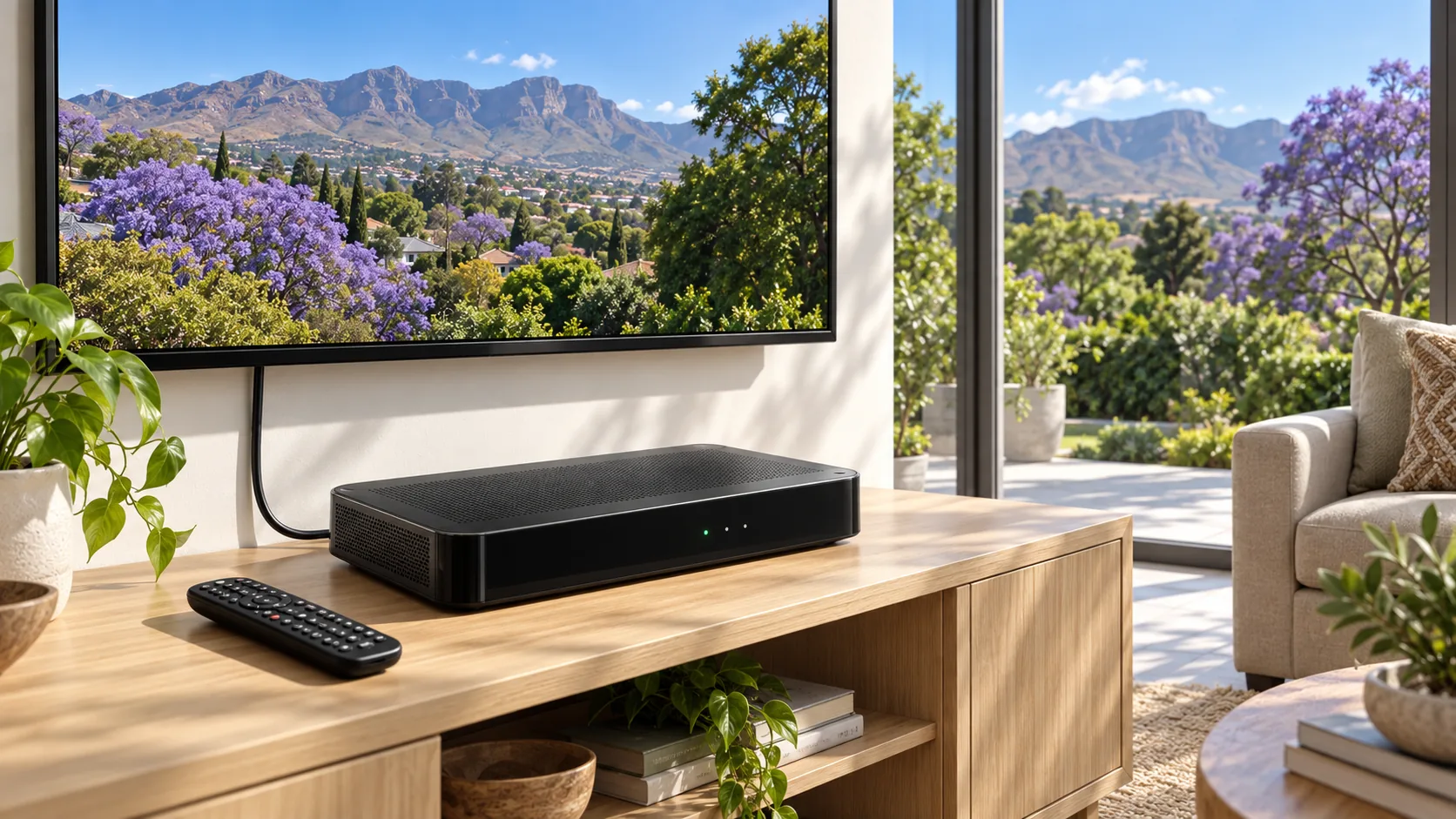
Upgrade your home entertainment with expert DStv Explora installation in Durbanville. Our experienced technicians specialise in DStv Explora and Explora Ultra decoder installations, Smart LNB setup, satellite dish alignment, decoder upgrades and ExtraView connections. Whether you're installing a new Explora decoder or replacing an older DStv system, we provide professional installation and configuration for reliable reception and excellent picture quality.
Our DStv Explora installation and repair services in Durbanville include decoder troubleshooting, E48-32 no-signal repairs, faulty cable replacements, satellite signal optimisation and multi-room viewing setups. We assist homeowners, tenants and businesses throughout Durbanville, Sonstraal, Kenridge, Vierlanden, Valmary Park and surrounding Northern Suburbs, delivering dependable DStv Explora installation, upgrades and technical support.
What is included
- Smart LNB fitted or confirmed on the existing dish
- Dish re-peaked on a meter after any LNB change
- Decoder activated and tuned on your subscription
- WiFi or cabled link tested at the decoder position
- Recording and Catch Up checked before we leave
How we do it
What an Explora setup involves
Smart LNB on the dish, decoder connected and activated, dish re-peaked on the meter, then the network side set up and tested at the decoder. We check the recording function and walk you through the guide before leaving. Where the Explora replaces an older decoder feeding other rooms, we confirm the rest of the system still works instead of only testing the new box.
Getting internet to the decoder
Durbanville homes are mostly face brick with solid internal walls, and newer double storey houses in the estates put the router at one end and the TV at the other. A router that shows full bars on a phone in the passage can still be too weak for a decoder in the lounge. We measure at the decoder, and where it is thin we recommend a cabled run, a powerline link or an access point rather than hoping the router reaches.
Linking extra rooms to the Explora
An Explora can feed additional decoders on one subscription through XtraView, which needs the right LNB and a heartbeat cable between the boxes. On larger older properties here, and on smallholdings on the edge of town where the second TV is in a cottage or an outbuilding, that cable run is the part people underestimate. We plan the route first and quote it honestly instead of discovering it halfway through.
Common Explora complaints we fix
Recordings failing, Catch Up not loading, the guide blank, or the decoder rebooting itself. Each has a different cause: a legacy LNB, a weak network link, a wet connector outside, or a marginal dish reading that only bites in bad weather. We test rather than guess, and we tell you when the honest answer is that the decoder itself has failed and needs replacing.
Common questions
DSTV Explora Installation in Durbanville: your questions answered
Do I need a new dish for an Explora?
Usually not. A sound dish in a good position works fine, but it does need a smart LNB, so the LNB on the dish often has to change. Changing it disturbs the alignment, which is why we re-peak on a meter straight afterwards. If the existing dish is buckled or badly positioned, we quote a replacement instead.
Why does Catch Up not work on my Explora?
Catch Up needs a working internet connection at the decoder. In Durbanville the usual reason is WiFi that cannot get through a couple of face brick walls from the router to the lounge. We test the link where the decoder stands, then either cable it, add an access point or use a powerline link so the connection stays stable.
Can you set up an Explora in a complex or estate?
Yes. Where the complex has a communal dish and multiswitch, we connect the Explora to the existing system and check the smart LNB requirement with the body corporate first, because the LNB is shared equipment. Where you have your own dish, it is a straightforward job in the approved mounting position.
Will you set up recordings and show me how it works?
Yes. Before we pack up we test a recording, check the guide loads, and run through scheduling and playback with you. Most callbacks are questions rather than faults, so we would rather spend ten minutes on it at the end. Phone 072 237 6363 or email info@dstvdurbanville.co.za if anything comes up later.
Book DSTV Explora installation in Durbanville
Monday to Saturday across Durbanville and the northern suburbs, with emergency callouts when a business is down.