Home › Blog › Streaming and Internet
DStv Streama in Durbanville: Price, Setup and Is It Better?
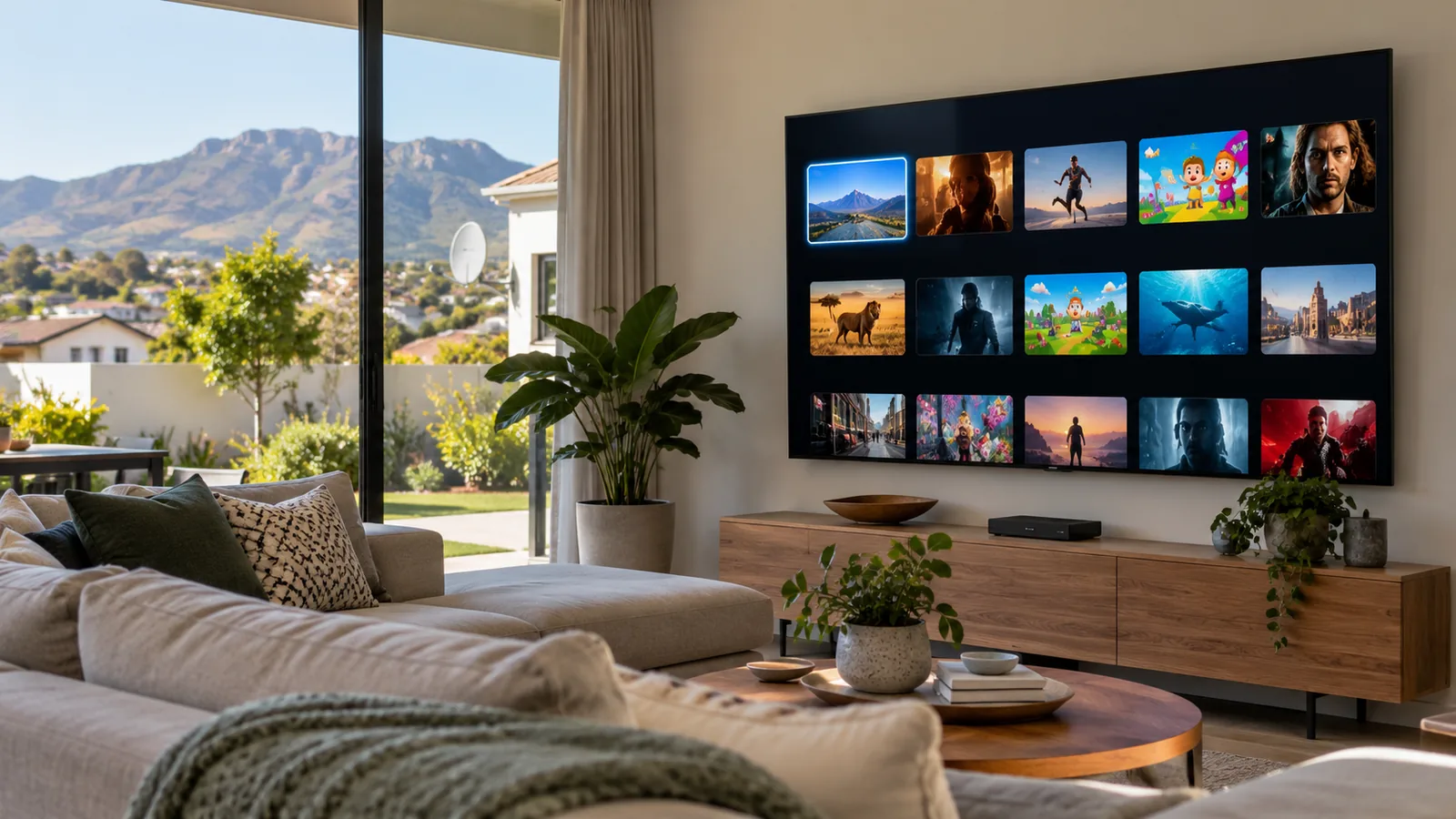
Fibre has reached most streets in Durbanville, and a lot of families now wonder if they still need a dish on the roof. The DStv Streama is DStv's answer: a small box that plugs into your TV and your internet, with no dish, no LNB and no roof work. Below, we give you the straight facts on price, setup and when a decoder is still the better buy.
Quick answer
The DStv Streama is a streaming box that plays DStv over your internet instead of a satellite dish. It needs stable fibre and good WiFi, and you pay a DStv Stream package, from R99 for Starter at the time of writing. The box price varies by shop. In fibre homes with strong WiFi it works well; elsewhere a decoder is safer.
What is the DStv Streama?
Think of it as a decoder without the satellite part. The DStv Streama connects to your TV with an HDMI cable and to your home network by WiFi or a network cable. It runs the DStv Stream service plus a handful of other streaming apps.
There is no installation in the usual sense. No dish, no cable from the roof, no signal meter. That is why it appeals to tenants in Bellville flats, students, and anyone in a Durbanville complex where the HOA is strict about dishes on walls. Some complexes already share one dish through a communal DStv system for complexes, which is worth checking first.
- Connects by: HDMI to the TV, WiFi or ethernet to your router.
- Needs: a stable internet line, ideally fibre.
- Does not need: a dish, LNB, smartcard or installer.
- Loses out on: working during an internet outage, and Disney+ is no longer offered on Streama boxes.
DStv Streama price and DStv Stream packages
There are two costs to plan for. First, the box itself. The DStv Streama price changes a lot between shops and promotions, so we will not quote one number. Compare Pep, Game, Makro and online stores on the day you buy.
Second, the monthly subscription. Streama uses DStv Stream packages, which cost the same or less than the satellite versions at the time of writing.
| Package | DStv Stream price pm | Decoder (satellite) price pm |
|---|---|---|
| Starter | R99 | R150 |
| Select | R299 | R339 |
| Sports | R399 | R479 |
| Movies & Series | R500 | R500 |
| Premium | R799 | R979, or R799 on a 24-month contract |
These line-ups changed on 17 September 2026. For what each package now includes, read our explainer on the new DStv packages and channel changes, and always confirm current prices on dstv.com or in the MyDStv app.
Good to know
The DStv Streama price is only part of the bill. Your fibre line is a monthly cost too. If you already pay for fibre for work and school, the extra is small. If you would need fibre just for TV, a satellite decoder may work out cheaper.
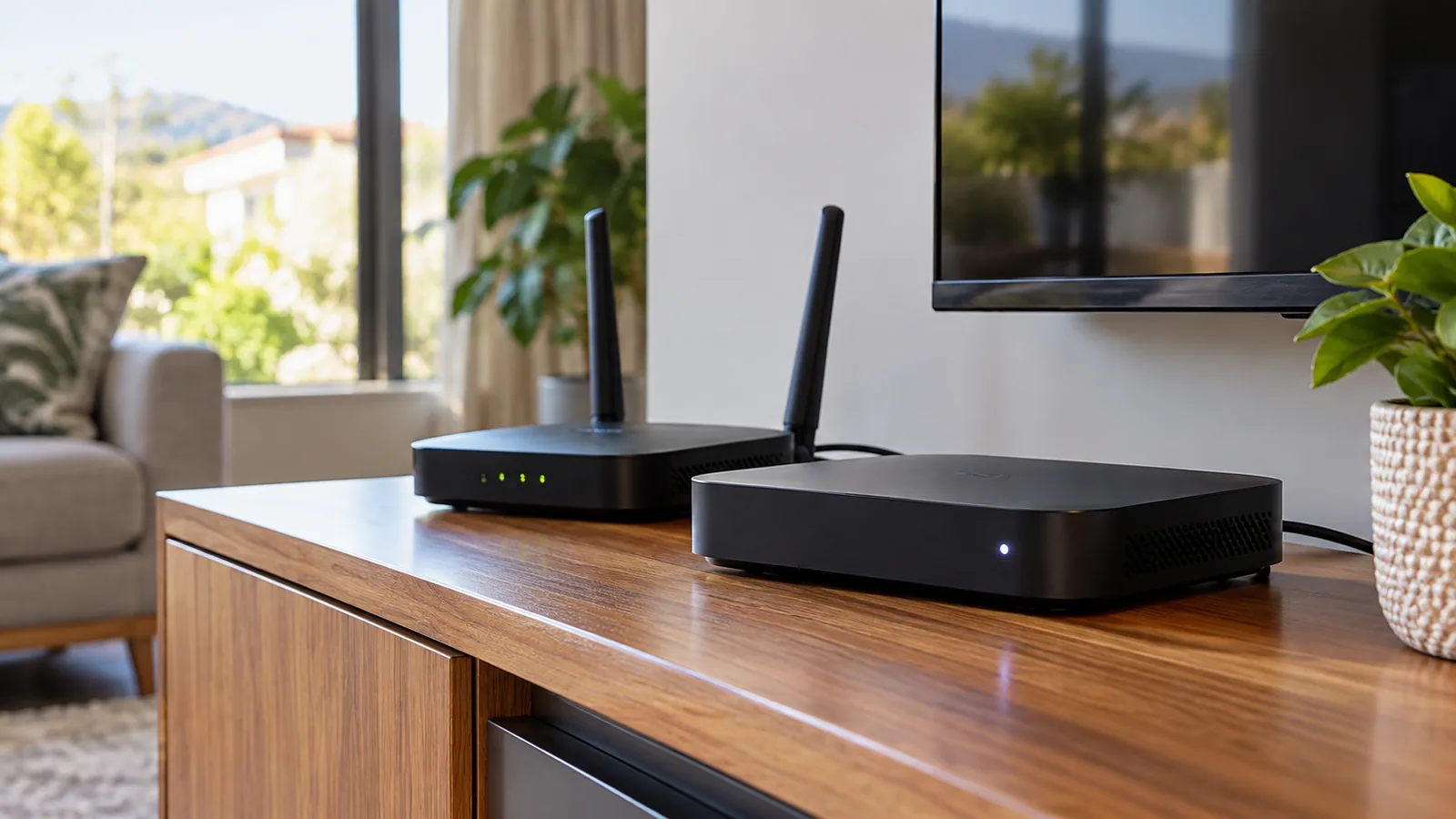
DStv stream vs decoder in Durbanville homes
This is the question we get most. In a fibre-connected house in Aurora or Vierlanden with a good router, the DStv Streama can replace a decoder in the lounge. In a big double storey where the WiFi drops upstairs, a decoder is far more reliable.
| Question | DStv Streama | Satellite decoder |
|---|---|---|
| Needs a dish? | No | Yes |
| Works when fibre is down? | No | Yes |
| Live sport delay | Can lag a little behind live | Close to live |
| Recording | Relies on Catch Up | Explora records to its hard drive |
| Heavy winter rain | Not affected | Can cause short rain fade |
| Load shedding | Needs router and fibre box powered | Needs decoder powered |
The short version of DStv stream vs decoder: streaming wins on flexibility and on avoiding roof work, while the decoder wins on reliability and recordings. Many of our clients run both, a decoder in the lounge and the DStv Stream app on a bedroom smart TV.
Setting up your DStv Streama in Durbanville, step by step
Setup takes about 15 minutes if your WiFi is strong where the TV stands. Have your DStv login details ready before you start.
- Plug the DStv Streama into a free HDMI port on the TV and into power.
- Switch the TV to that HDMI input and follow the on-screen language and network steps.
- Connect to your home WiFi, or plug in a network cable from the router for a steadier picture.
- Let the box download any updates. Do not unplug it during this stage.
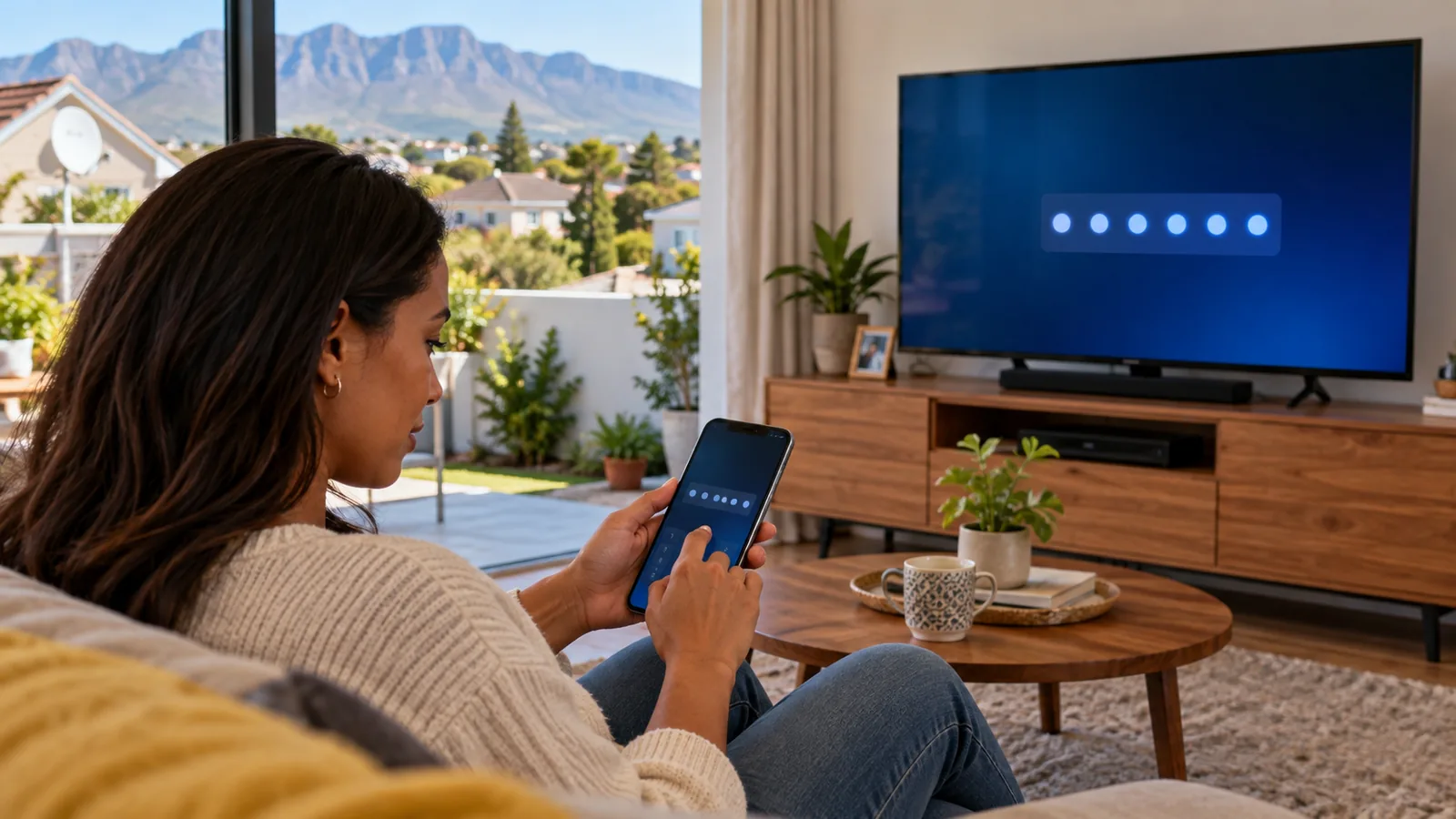
- Open DStv on the box. A short code appears on the TV screen.
- On your phone or laptop, go to dstv.stream/tv, sign in and type in the code.
- Wait a few seconds for the TV to link, then pick a channel to test.
Need DStv installers in Durbanville?
Tell us what you need or what your screen is showing. We give you a clear price before we drive out.
The TV code login and the MyDStv app
The same code method works for the DStv Stream app on a smart TV. The TV shows a 5-digit code, and you enter it on dstv.stream/tv from your phone or laptop while signed in. If the code expires before you finish, restart the app and a new one appears.
The MyDStv app is where you manage the account itself. Use it to pay, change your package, check what is active and fix errors. If the DStv Streama says you are not subscribed, check the app first to confirm the package is active and paid.
Technician tip
Write your DStv email login on a sticker inside the TV cabinet door. Half the "it will not log in" calls we get are simply a forgotten email address after a phone upgrade.
Building a DStv WiFi network in Durbanville that can stream
A fibre line coming into the garage does not mean strong WiFi in the lounge. Durbanville homes often have thick internal walls, double storeys and a router tucked away near the fibre box. Before you rely on a DStv Streama, test the speed right next to the TV, not at the router.
- Run a speed test on your phone where the TV stands, at night when everyone is online.
- Watch for drops when the microwave is on or when someone starts a video call.
- Use a network cable if the router is in the same room or the next one.
- Add mesh WiFi units if the signal must pass through two or more walls.
- Put the router and fibre box on a small UPS for load shedding.
Our team plans and installs the home WiFi network and cabling in Durbanville that streaming boxes need, including mesh systems and network points behind TV walls. A good DStv WiFi network in Durbanville is the difference between smooth rugby and a spinning wheel at the try line.
Connecting an Explora to WiFi and fixing Catch Up
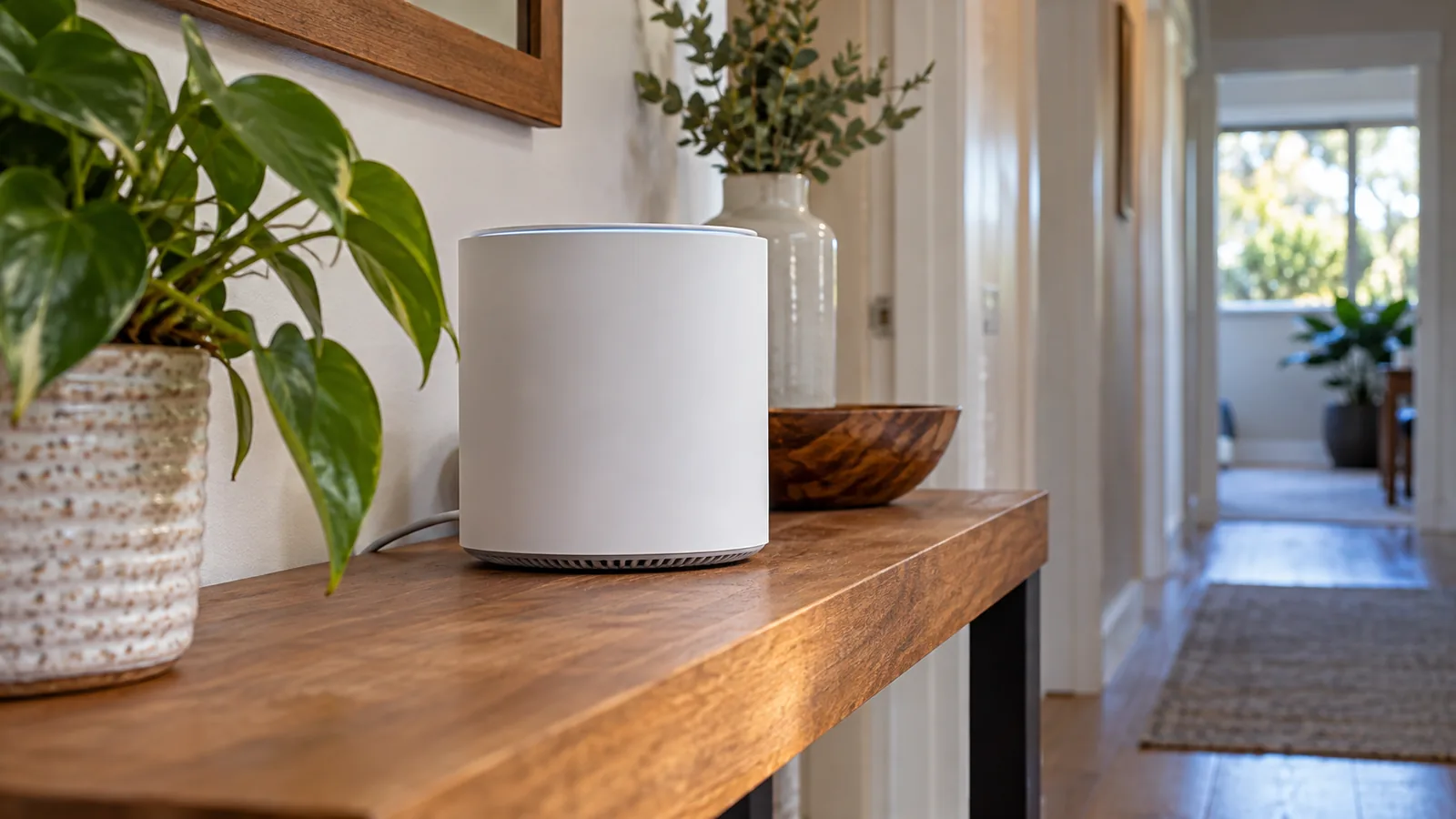
You do not need a DStv Streama to get Catch Up. An Explora connected to the internet can download Catch Up shows too. The Explora Ultra has WiFi built in. Older Explora models connect with a network cable or with the DStv WiFi Connector, a small adaptor sold by DStv.
When Catch Up will not load on either device, work through these checks:
- Confirm the internet works on another device in the same room.
- Restart the router, then the DStv Streama or Explora.
- Check in the MyDStv app that your package is active and paid.
- On an Explora, check the internet settings and that the box has the latest software.
- If shows start and stop, move to a cable connection or improve the WiFi.
For an Explora that needs a proper network point or a Smart LNB upgrade, our Explora installation team handles both in one visit.
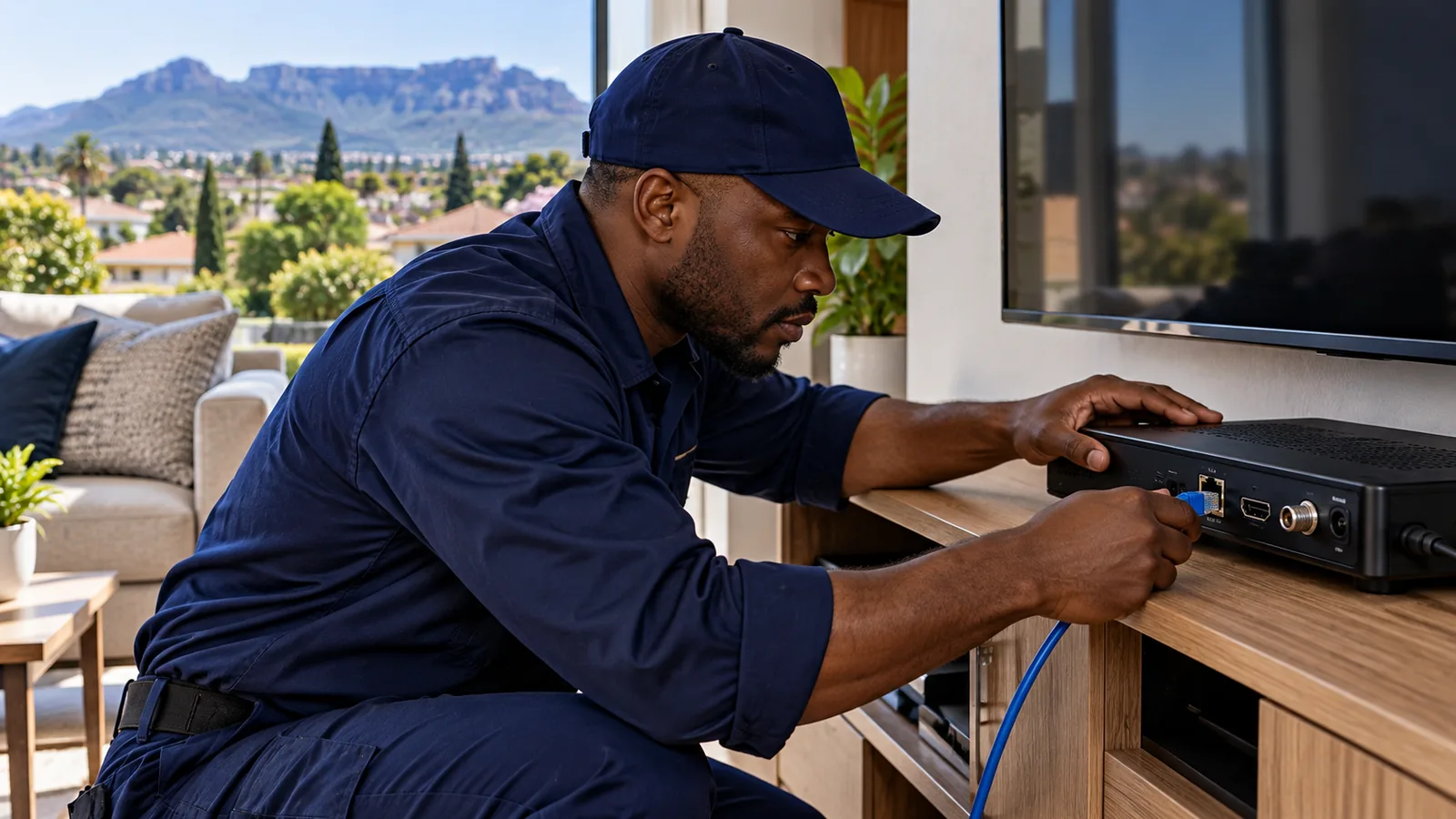
Is the DStv Streama right for you, or should you keep the dish?
Keep the dish if your sport cannot stutter, your internet is shaky or you want recordings in the lounge. Satellite faults are usually simple to fix, and our guide to the E48-32 no signal error covers the common ones. Go for the DStv Streama if you rent, your HOA does not allow dishes, or you have strong fibre and WiFi.
Safety first
Moving to streaming does not mean you should take the old dish down yourself. Dishes on Durbanville double storeys sit high on fascias and gable walls. Leave removal to someone with the right ladder and harness.
A second TV is another option. Linking a second decoder may cost less than you think, so compare it with our breakdown of the DStv XtraView price for a second room before deciding.
Get streaming help in Durbanville
Not sure if your home can handle the DStv Streama? Our DStv installation team in Durbanville can test your WiFi at the TV, set up the box, or install a decoder if that is the better fit. We work across Kenridge, Plattekloof and Brackenfell. Ask us for a quote and we will get back to you, often the same or next day.
DStv Streama in Durbanville: FAQs
How much is the DStv Streama price per month?
The DStv Streama box itself has no monthly fee. You pay a DStv Stream package instead. At the time of writing, Starter is R99, Select R299, Sports R399, Movies and Series R500 and Premium R799 a month. You also need your own internet connection, ideally fibre. Confirm prices on dstv.com or in the MyDStv app.
Can I use DStv Streama without a dish?
Yes. The DStv Streama works entirely over the internet, so there is no dish, LNB or roof cable involved. All you need is a TV with an HDMI port, a stable internet line and a DStv Stream package. That makes it popular in Durbanville complexes where HOA rules limit dishes on walls.
Is DStv Streama better than a decoder in Durbanville?
It depends on your internet. In a Durbanville home with fibre and strong WiFi at the TV, the DStv Streama works well and saves you a dish. If your WiFi drops upstairs or fibre goes down often, a satellite decoder is more reliable, and an Explora can record shows while a Streama relies on Catch Up.
How do I enter the DStv Streama TV code?
Open DStv on the Streama or smart TV and a short code appears on screen. On your phone or laptop, go to dstv.stream/tv, sign in with your DStv details and type the code. The TV links within a few seconds. If the code expires, restart the app on the TV to get a fresh one.
Why is DStv Catch Up not working on my Streama?
Usually it is the internet. Check that another device in the same room can stream, then restart the router and the DStv Streama. Confirm in the MyDStv app that your package is active and paid. If shows keep stopping, plug in a network cable or add a mesh WiFi unit near the TV.
What internet speed do I need for DStv Streama in Durbanville?
Steady speed matters more than a big number. A fibre line that holds its speed in the evening is the best fit for the DStv Streama in Durbanville. Test right next to the TV, not at the router. If more people stream or game at the same time, choose a faster fibre package.
Talk to our Durbanville team
Call or WhatsApp us for a quote. We answer quickly and we always price the job before we arrive.