DStv No Signal (E48-32) in Durbanville: 8 Fixes to Try
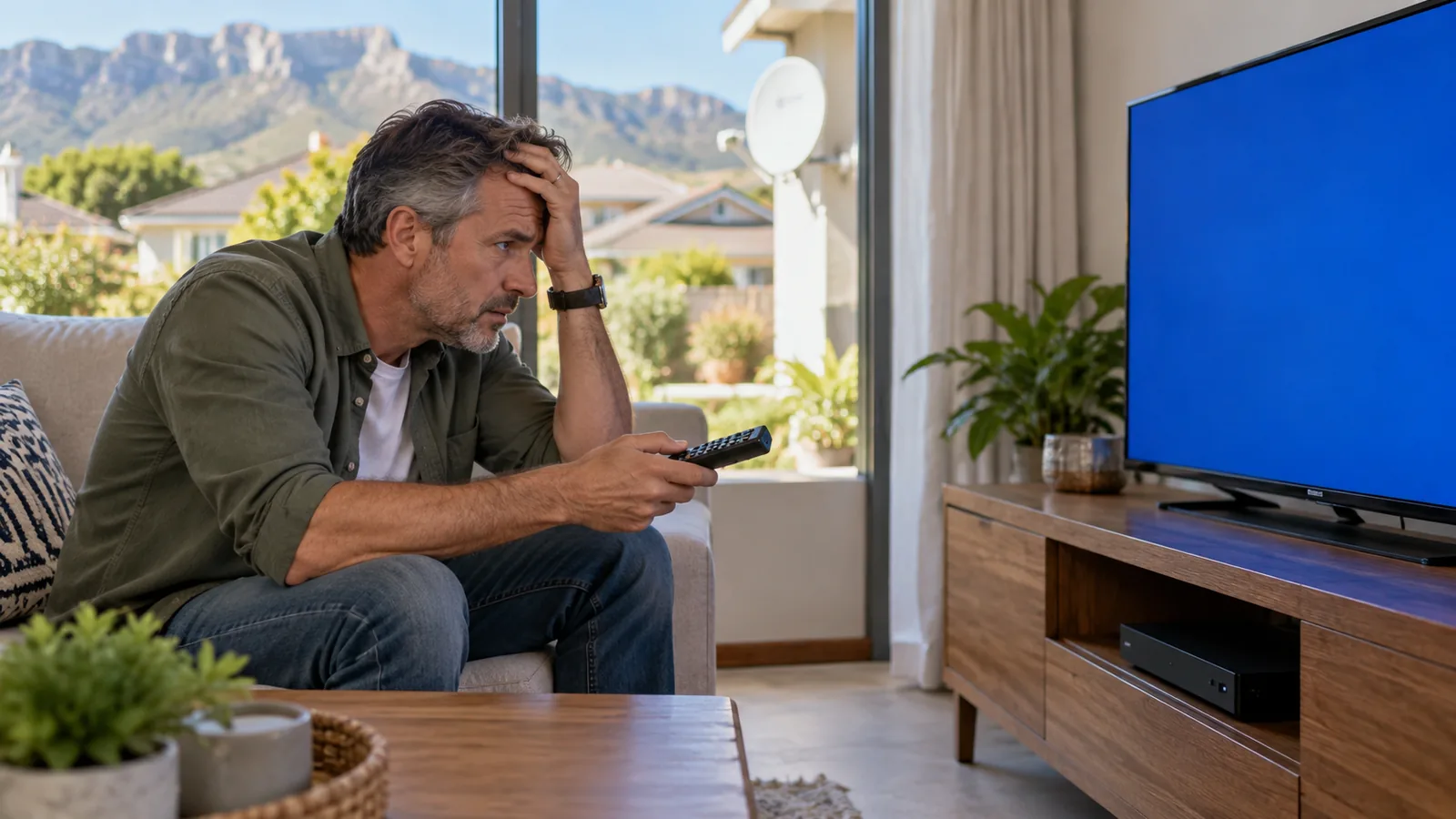
It is Saturday afternoon, the kettle has boiled, kick-off is in ten minutes, and the screen says DStv no signal. Before you panic or start phoning around, take a breath. In our experience across Durbanville, most of these cases have a simple cause, and several of the fixes below take less than five minutes.
Quick answer
A DStv no signal message, usually error E48-32, means the decoder is not receiving anything from the dish. Check the cable connections, restart the decoder at the wall, and wait out heavy rain. If the error stays on a clear day, the dish has probably moved or the LNB or cable has failed, and a technician should test it.
What DStv No Signal (E48-32) Actually Means
Your decoder listens for the satellite through a chain: the dish, the LNB on the arm, the cable, the connectors and finally the tuner in the box. When any link breaks, you see the E48-32 error DStv decoders show for no signal.
The common causes are:
- The dish was knocked or blown off target
- A cable or connector has corroded, come loose or been chewed
- The LNB has failed
- Something now blocks the view, such as a tree or new building
- Very heavy rain is passing through
The trick is to work from the easy end of the chain to the hard end. That is exactly how our technicians trace DStv no signal too, and it is why our DStv repair technicians start indoors before they touch the dish.
8 Fixes to Try for DStv No Signal in Durbanville
Try these in order when you see DStv no signal. Stop as soon as the picture comes back.
- Look outside. Is it pouring? Heavy cloudbursts in a Durbanville winter can cut the signal for a few minutes. If so, wait.
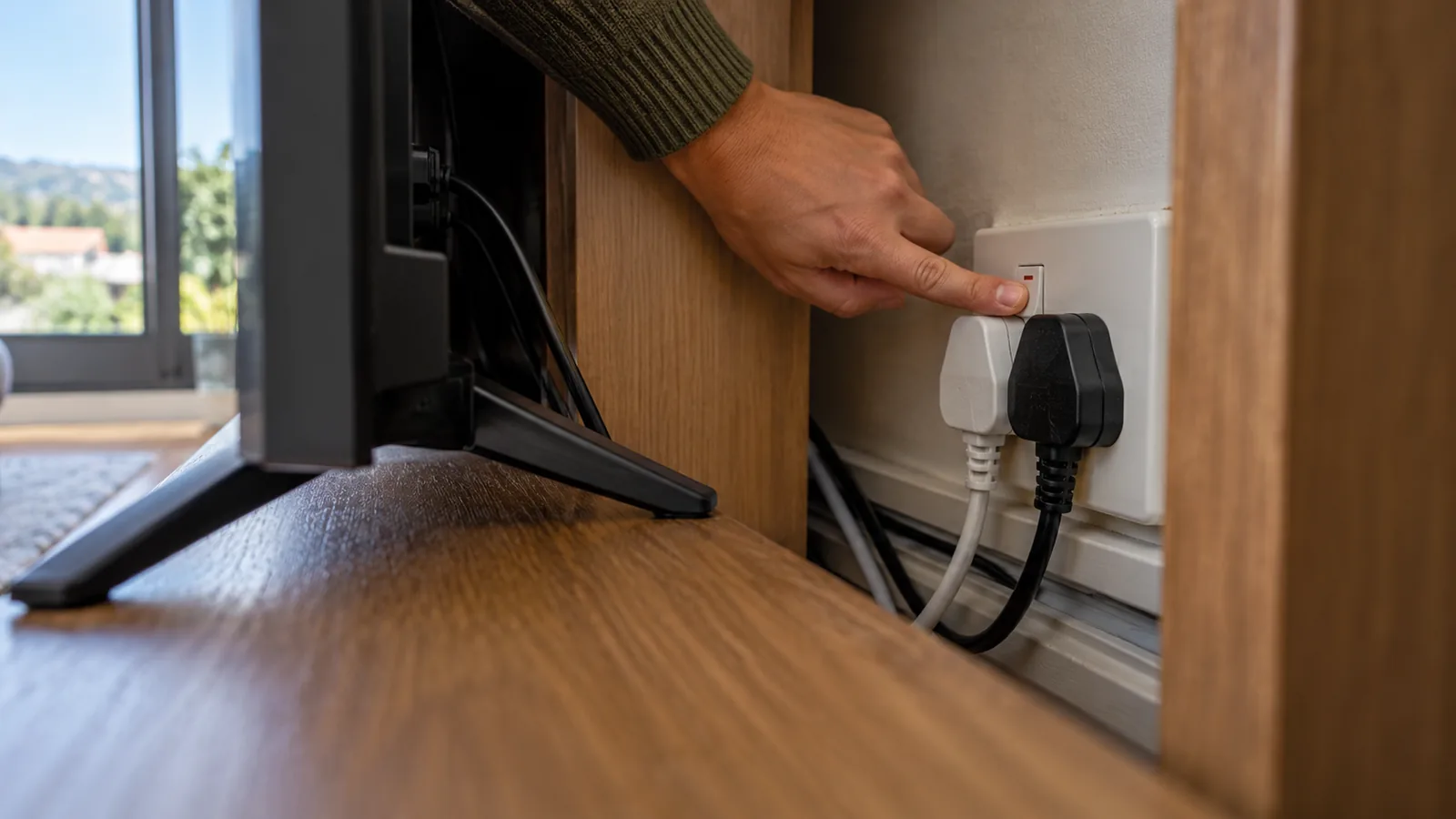
- Restart at the wall. Switch the decoder off at the plug, wait 30 seconds and switch it on again.
- Check the cable at the back of the decoder. Make sure it is screwed in firmly to the LNB IN port, not just pushed on.
- Follow the cable. Look for kinks, cuts or places where furniture or pets may have damaged it.
- Check the TV input. If the TV itself says no signal, the HDMI source may be wrong rather than the dish.
- Look at the dish from the ground. Does it still point the same way as the neighbours' dishes? Is a branch in front of it?
- Check signal readings. Open the signal screen in the decoder settings and note strength and quality.
- Run the installation wizard again if someone changed settings, so the LNB type is correct.
Safety first
Do not climb onto the roof to check the dish yourself, especially on a double storey or a wet tiled roof. Look from the ground or a window. Also keep wet hands away from plugs and wall sockets behind the TV cabinet.
If step 7 shows zero on both readings, the fault is almost always physical: a cable, connector or LNB. Our article on reading DStv signal strength and quality explains what healthy numbers look like.
Why Durbanville Homes Get DStv No Signal
Our area has its own patterns when it comes to the E48-32 error DStv customers report. Knowing them helps you guess the cause before anyone climbs a ladder.
- Winter storms. North-westerly fronts push wind and rain across the Tygerberg ridge, and a dish on a loose bracket can shift a few millimetres. That is enough to cause DStv signal problems.
- Summer heat. Hot, dry months crack old cable jackets and connector seals, then the first winter rain gets inside.
- Growing trees. Garden trees in older parts of town and estates like Vierlanden slowly creep into the dish's line of sight.
- New building work. A neighbour's new upper storey can block the view to the north-east.
Our older post on why weather knocks out DStv signal around Durbanville goes deeper into rain fade.
Need DStv installers in Durbanville?
Tell us what you need or what your screen is showing. We give you a clear price before we drive out.
Other Error Codes That Look Like DStv Signal Problems
Not every blank screen is a DStv no signal fault from the dish. These codes point somewhere else.
| Code | What it means | What to try first |
|---|---|---|
| E48-32 | No signal reaching the decoder | Check cables, restart, wait out rain |
| E30-2 | Temporary loss of signal, often in bad weather | Wait for the weather to clear |
| E16 (e.g. E16-4) | Service not active on the decoder | Re-authorise via the MyDStv app or WhatsApp; check the account is paid |
| E51 / Error 51 | Decoder cannot read the smartcard | Remove, clean and reinsert the card the right way round |
| E141-4 | Smartcard not verified with this decoder | Contact DStv to check the card is paired correctly |
The E16 and smartcard errors are account or card issues, so a technician cannot fix them on the roof. You can clear many of them through the "Fix errors" tool on the official DStv site.
Good to know
If you run two linked decoders and only one shows an error, it may be a linking issue rather than the dish. Our guide to the XtraView price and setup for 2026 explains how linked boxes check in with each other.
When the Picture Freezes, Pixelates or the Decoder Misbehaves
Freezing and pixelating
Blocks on the screen and frozen frames usually mean the signal is weak or dirty rather than gone. A dish that has drifted slightly, a tired LNB or a damp connector are the usual causes. This is a common DStv signal problem in homes where the dish has not been checked for years.
Decoder will not turn on or keeps rebooting
Try a different wall socket and remove any multiplug. If the box keeps restarting, it may have a failing power supply or hard drive. Sometimes the fix is a new box, and our DStv decoder price comparison helps you weigh repair against replacement.
Remote control not working
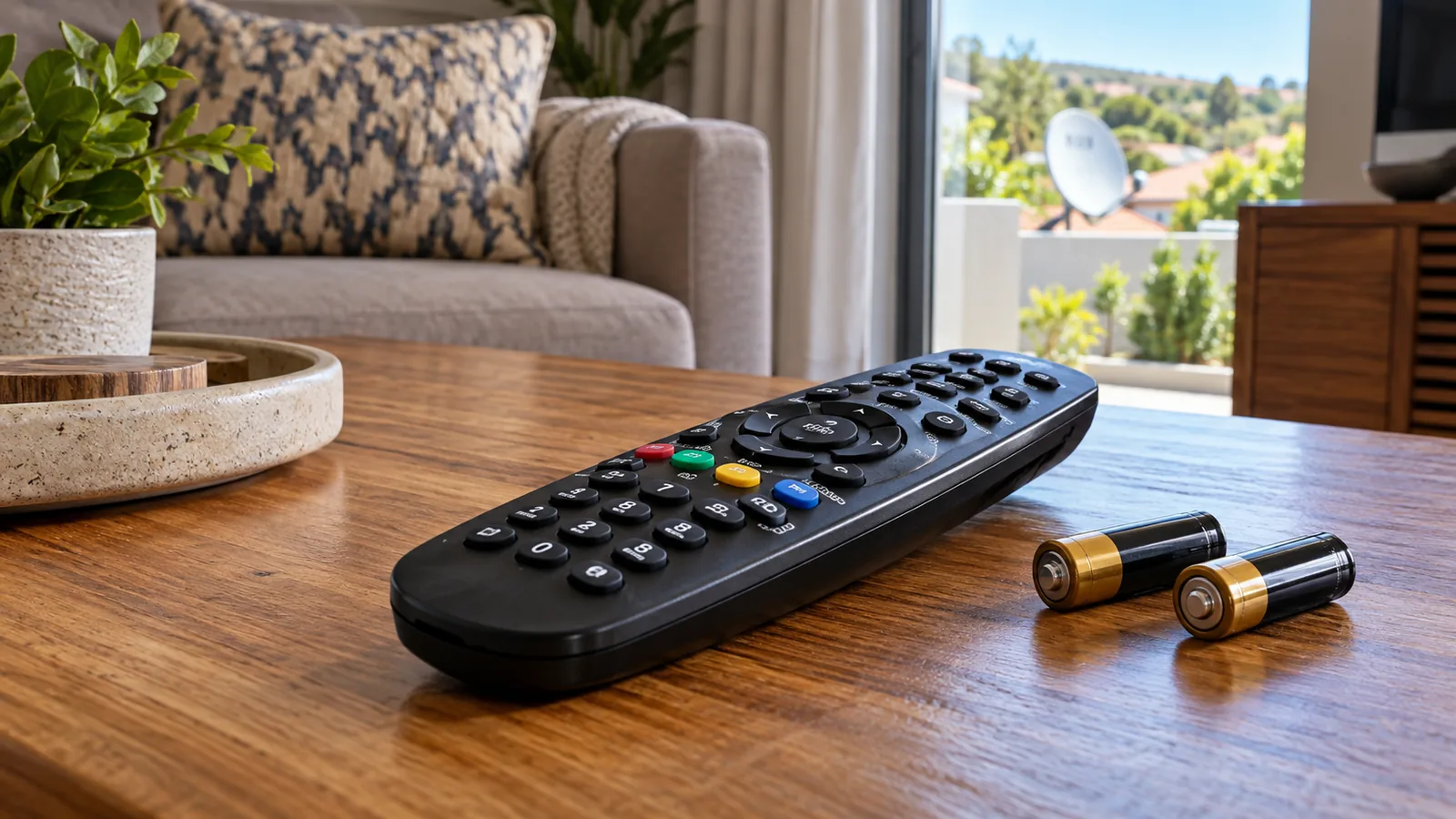
Swap the batteries first. Then point it straight at the decoder from closer up. If the buttons on the box work but the remote does not, the remote needs replacing, not the decoder.
DStv No Signal After Load Shedding or a Power Surge
Power cuts are hard on electronics. When the power returns, a surge can damage the decoder's tuner, or the power supply that feeds the LNB through the cable.
- Unplug the decoder when the power goes off, then plug it in a few minutes after it returns
- Use a good surge protector on the TV and decoder plug
- If the decoder powers on but shows DStv no signal after an outage, the tuner may be damaged
- If a second decoder on the same dish works, the fault is likely in the first box
Technician tip
Swap the cable from a working decoder into the faulty one. If the error follows the decoder, the box is the problem. If it stays with the cable, look outside. This one test saves a lot of guessing.
How We Trace DStv No Signal on a Durbanville Callout
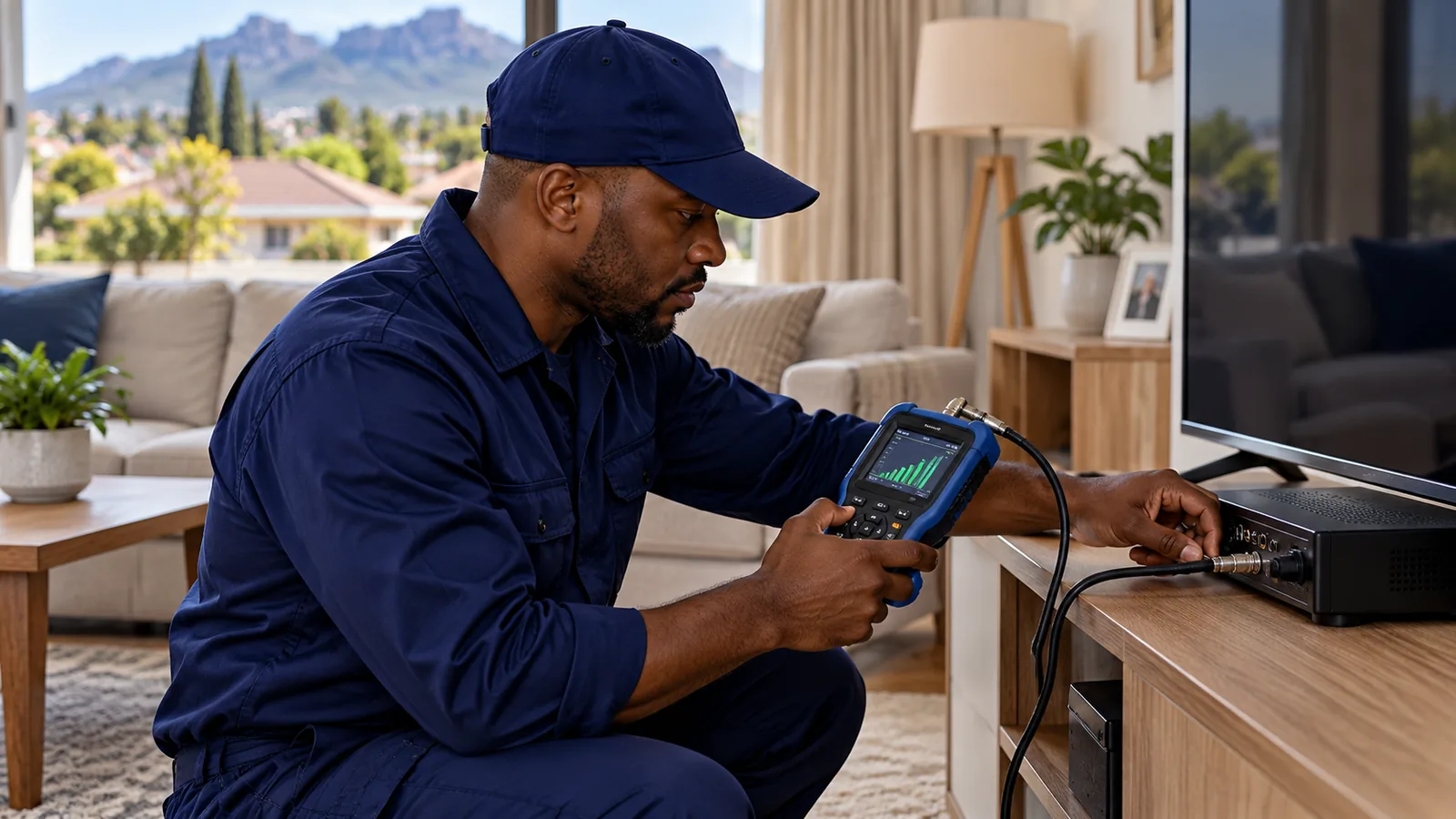
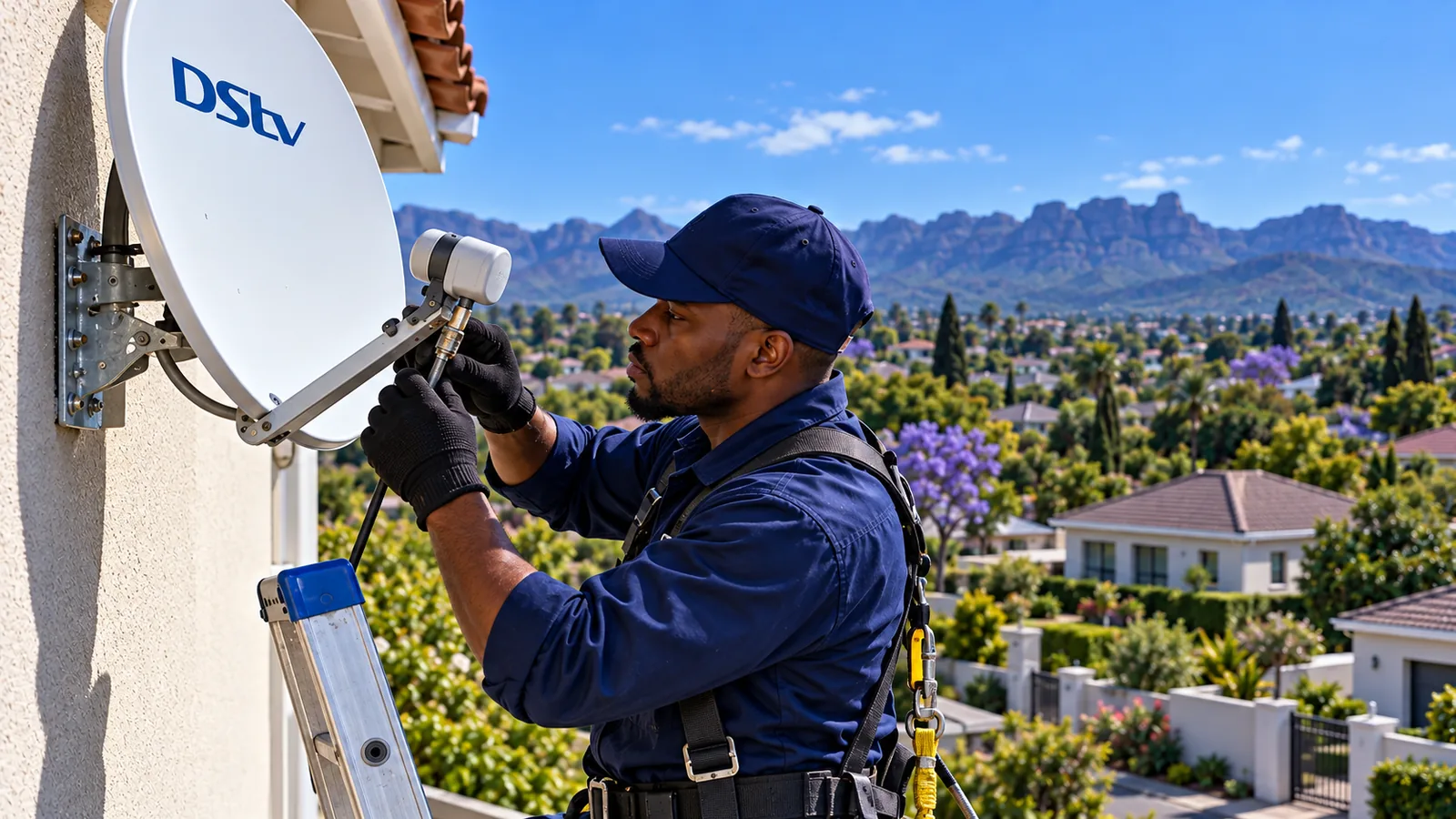
When you book DStv repairs in Durbanville with us, the technician follows the same chain you did, but with proper tools.
- Test the decoder with a signal meter in the lounge to see what is arriving.
- Check each indoor connector and the wall plate.
- Inspect the outdoor cable along the fascia and through the wall.
- Check the LNB and its F-connector for rust and water.
- Realign the dish on the meter if it has drifted.
- Test every channel group with you before leaving.
Most of the time, the DStv signal repair turns out to be a corroded connector, a failed LNB or a dish that needs realigning. Our professional dish alignment service sets the dish with enough margin to ride out rain.
When to Call for DStv Repairs in Durbanville
Call a technician about DStv no signal if any of these apply:
- The error stays on a clear, dry day after you have restarted and checked cables
- Signal strength and quality both read zero
- You can see the dish has moved, or the bracket is loose
- The cable is cut or chewed outdoors
- The problem keeps coming back every time it rains
We cover Durbanville, Bellville, Kraaifontein, Welgedacht and Pinehurst, often the same or next day, depending on the schedule. We quote before we drive out, so you know the cost up front.
Get Your Picture Back in Durbanville
A DStv signal repair is usually quick once the cause is found. Local homeowners rely on our DStv technicians in Durbanville because we test everything with you in the room before we leave. Send us a message about your error code and a photo of the screen, and we will help you work out the next step.
DStv no signal in Durbanville: FAQs
Why does my DStv say no signal?
A DStv no signal message, usually E48-32, means the decoder is not receiving anything from the dish. Common causes are heavy rain, a loose or corroded cable connector, a failed LNB, or a dish that has been knocked off target. Restart the decoder and check the cables first. If it persists on a clear day, call a technician.
How do I fix DStv no signal E48-32 myself?
Switch the decoder off at the wall for 30 seconds, then on again. Check the cable is screwed firmly into the LNB IN port and look for damage along the cable. Make sure the TV is on the right input. If heavy rain is falling, wait. If none of this helps, the dish or LNB probably needs attention.
Why does my DStv keep saying no signal when it rains in Durbanville?
Heavy rain weakens the satellite signal, which is called rain fade. A well-aligned dish usually rides it out, while one that has drifted slightly drops out quickly. If your picture vanishes in every Durbanville winter shower, the dish probably needs realigning or the LNB or connectors need checking.
How much do DStv repairs in Durbanville cost?
It depends on the fault. A simple realignment or new connector costs far less than a new LNB, a new dish or a long cable replacement. We look at the error code and a photo first, then give you a quote before we drive out, so you know the cost before any work starts.
Can load shedding cause DStv no signal?
Yes. A power surge when electricity returns can damage the decoder's tuner or the circuit that powers the LNB. If the box turns on but shows no signal after an outage, try it with a different decoder or cable. A surge protector on the TV plug helps prevent this.
What is the difference between E48-32 and E16 on DStv?
E48-32 means no signal is reaching the decoder, which is a dish, cable or LNB issue. E16 means the service is not active on the decoder, which is an account issue. Clear E16 by re-authorising through the MyDStv app, DStv WhatsApp self-service or the Fix errors page on the DStv website.
Talk to our Durbanville team
Call or WhatsApp us for a quote. We answer quickly and we always price the job before we arrive.