OpenView Installation in Durbanville: Price and Process
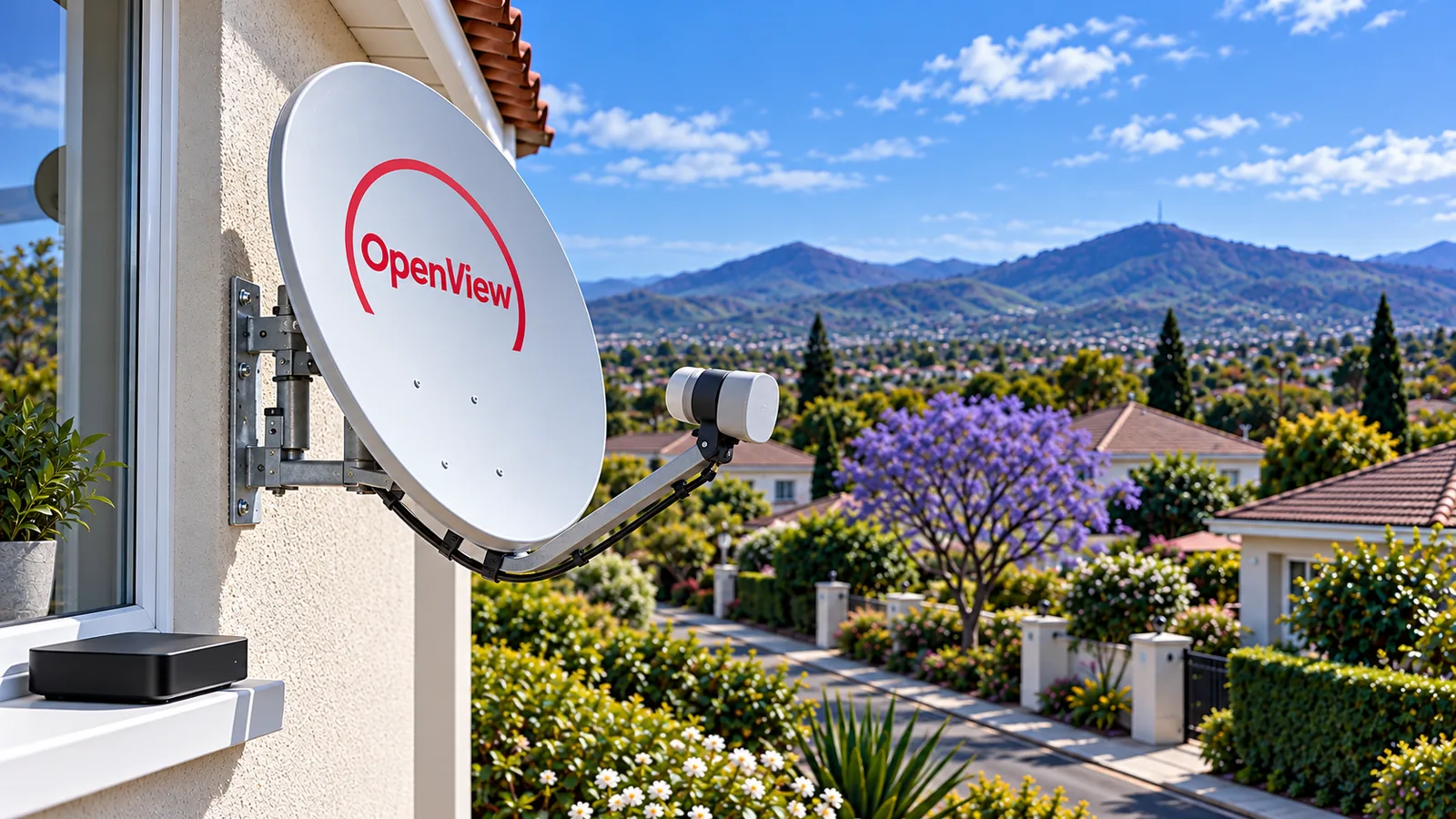
Plenty of Durbanville households are trimming the monthly budget, and free TV with no contract sounds like an easy win. An OpenView installation gives you that: a dish, a decoder and over 20 channels with no subscription at all. Here is what it really costs, how the job is done and how to get the channels working, without the sales talk.
Quick answer
An OpenView installation needs an OpenView decoder (about R799 on openview.co.za at the time of writing), a dish of roughly 80 to 85cm and correct alignment. Packs with an installation voucher sell for around R1,699. After that there is no monthly fee. If you already have a DStv dish, it can often be reused.
Step one of your OpenView installation: buy the decoder
Everything starts with the box. At the time of writing, the OpenView decoder price is ZAR 799 on openview.co.za for the current model with WiFi. Retail specials sometimes bring it down to about R599. Shops change prices weekly, so compare on the day you buy.
You will also see packs with an installation voucher included, usually around R1,699. That covers the decoder, a dish and a basic fitting. It suits a house with no dish at all and an easy wall to mount on.
When people search for the OpenView installation price, they often see only the voucher figure. The real number depends on your roof, your cable route and whether a dish is already up. Labour on dish work follows the same logic as our DStv installation price guide for Durbanville, which shows the ranges we work in.
| What you buy | Typical price at the time of writing | Best for |
|---|---|---|
| Decoder only | R799 on openview.co.za, retail specials from about R599 | Homes with a working dish already |
| Decoder with installation voucher | Around R1,699 | Simple homes with no dish yet |
| Decoder plus a local installer | Quoted per home | Double storeys, complexes, long cable runs |
| Reusing a DStv dish | Decoder plus a short call-out to check LNB and cable | Homes that dropped DStv |
Good to know
The OpenView decoder price is only one part. If the voucher installer cannot reach the right spot on your roof, or the cable must go up to a first floor, you may pay extra. Ask what the voucher covers before you buy it.
Step two: the OpenView dish and where it points in Durbanville
OpenView broadcasts from the same satellite position as DStv, Intelsat 20 at 68.5 degrees East. From Durbanville, that means the OpenView dish points roughly north-east and fairly high. A dish of about 80 to 85cm is the usual recommendation.
Line of sight is what makes or breaks the job. On the slopes up towards the Tygerberg ridge you often have a clear view. Down in older parts of town, big oaks and a neighbour's new second storey can block the path, much like the causes in our DStv no signal guide for Durbanville. We check this before fitting anything.
Can I reuse my DStv dish for OpenView?
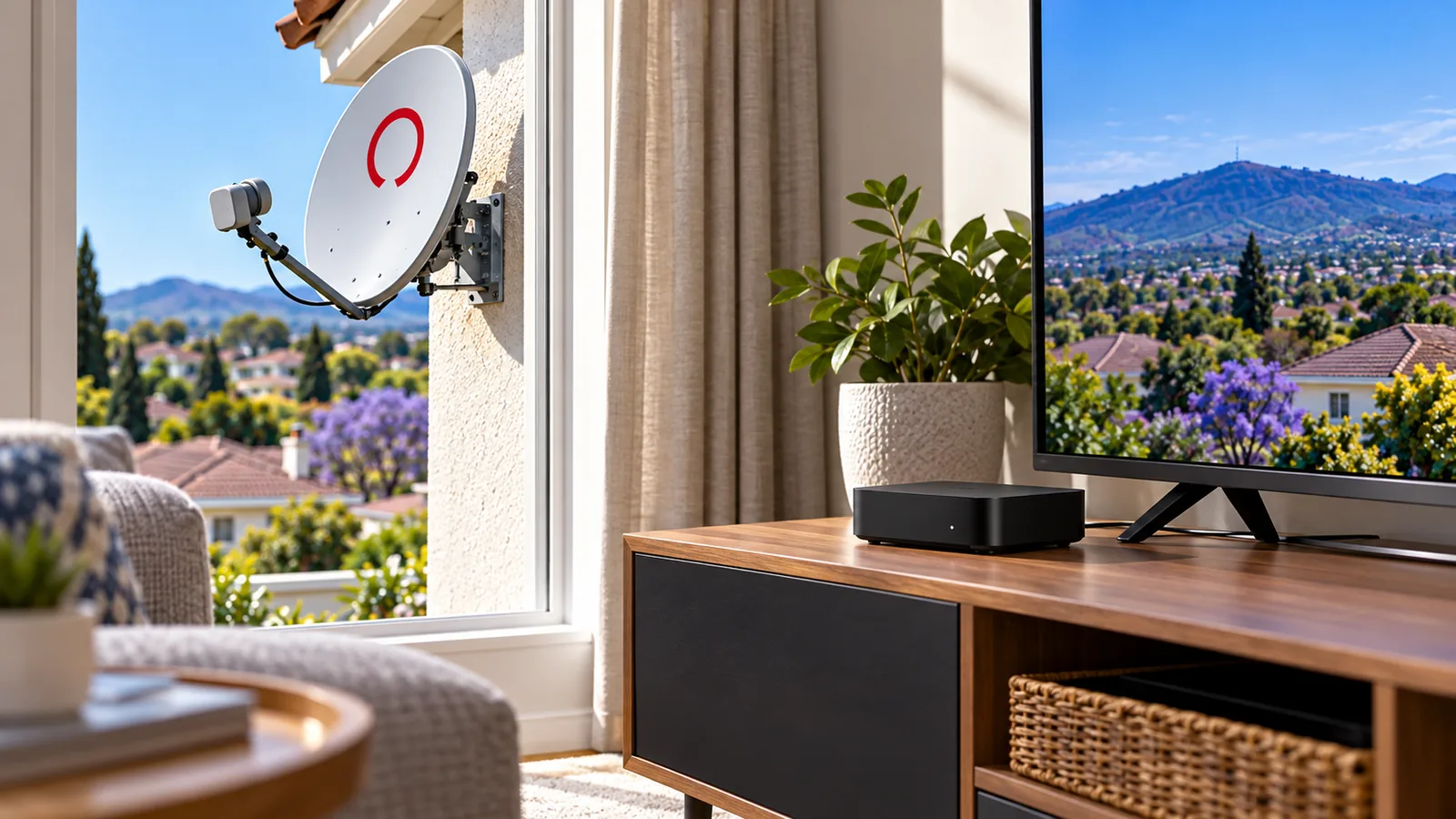
Often, yes. Because both services use the same satellite position, a sound DStv dish that is still aligned can feed an OpenView decoder. We check the LNB, the connectors and the cable, since a rusty F-connector from years of winter rain will spoil the picture. If you keep DStv on another TV, we can split the feed so both work.
Step three: the OpenView installation itself
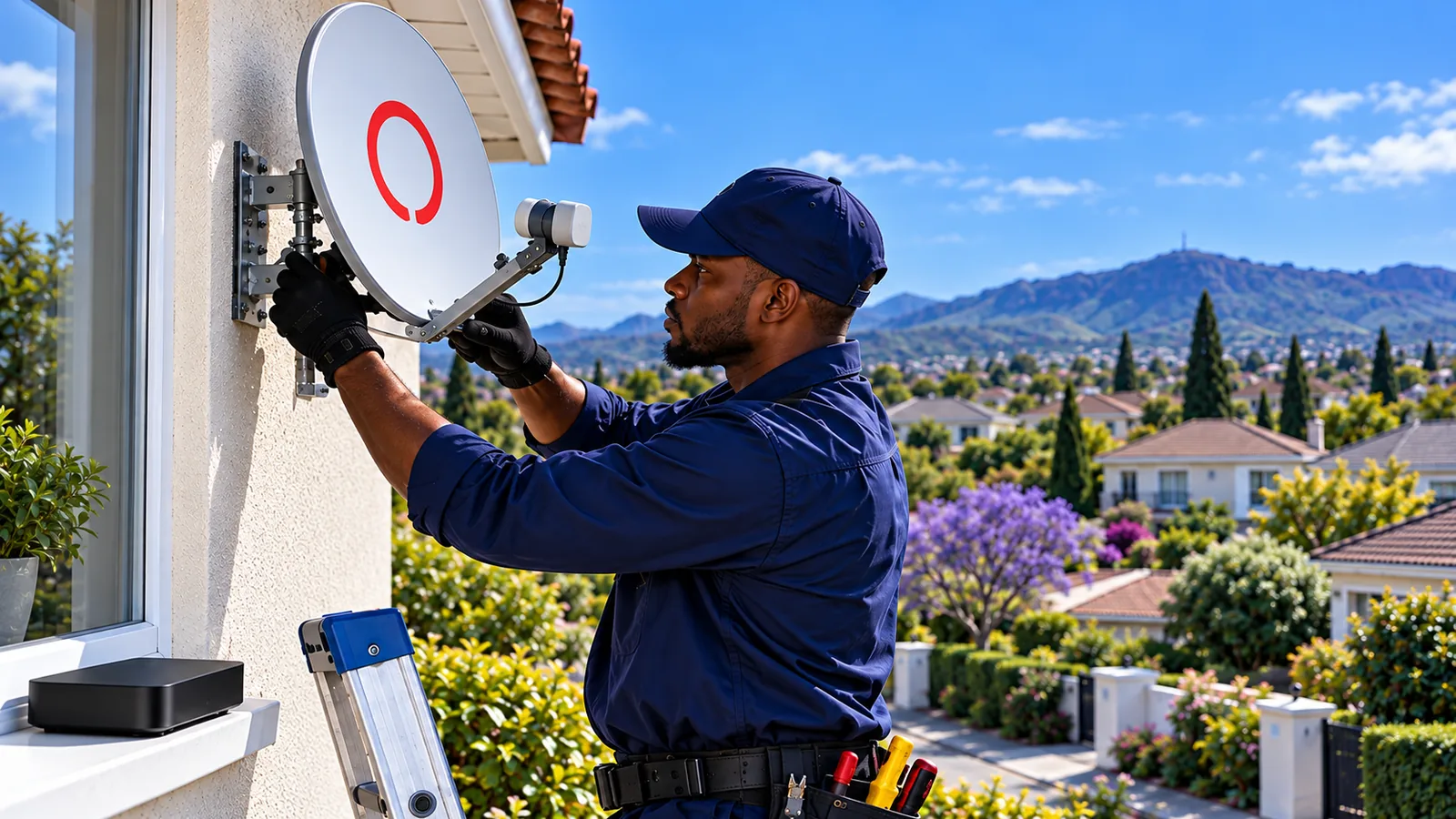
A proper OpenView installation takes one to two hours on a straightforward house. Here is how our technicians do it in Durbanville homes.
- Site check: we find a mounting spot with a clear view north-east and confirm any estate or HOA rules.
- Mount the bracket: fixed firmly to brick or a solid fascia, never to loose plaster.
- Fit the dish and LNB: tightened so the Cape winter wind does not shift it.
- Run the cable: clipped neatly along the wall, sealed where it enters the house.
- Align on a meter: we peak the signal quality, not just the strength.
- Set up the decoder: first scan, activation help and a channel test with you.
Safety first
Most Durbanville homes are double storeys, and fitting a dish at that height is not a weekend DIY job. A fall from a ladder onto paving can be serious. If the dish must go on a gable or high fascia, let a trained installer with the right ladder and harness do it.
If you want an OpenView installer in Durbanville rather than a voucher, our OpenView installation service covers the whole job. We always quote first, so the OpenView installation price you agree to is the price you pay.
Need DStv installers in Durbanville?
Tell us what you need or what your screen is showing. We give you a clear price before we drive out.
Step four: OpenView activation after installation in Durbanville
A new decoder must be activated before all the channels open. It is free and quick. You can do it online at openview.co.za, on WhatsApp or through the OpenView app. Keep the decoder's details handy, they are on a sticker under the box and on the setup screen.
- Switch on the decoder and let the first channel scan finish.
- Note the decoder number shown on screen or on the sticker.
- Register on openview.co.za, the OpenView app or WhatsApp with your details.
- Leave the decoder on a channel for a few minutes while activation goes through.
- If some channels stay blank, do a fresh scan from the menu.
For the official steps, see the OpenView website, which also lists the current decoder models and channels.
How to add or rescan OpenView channels
New channels are added from time to time, and you need a rescan to see them. Open the menu, go to installation or channel search, and run an automatic scan. It takes a minute or two. Do this after any storm that moved the dish, too.
What an OpenView installation gets you: the channels list
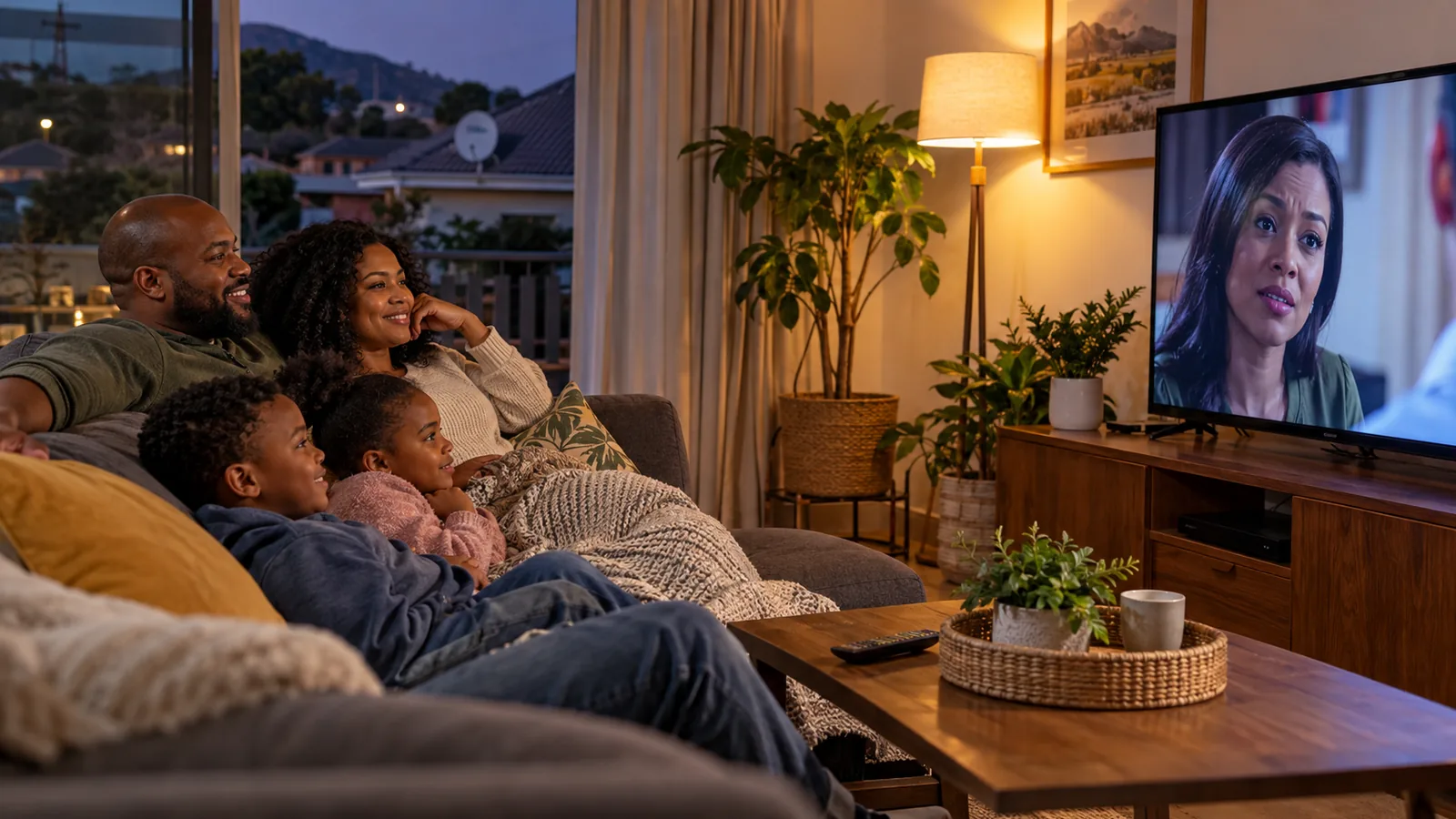
OpenView offers 20+ TV channels plus radio stations, some in HD. The best known include e.tv, eToonz, eReality, eExtra, eMovies and StarLife. It suits families who mostly watch local soapies, movies, kids shows and news.
Some Durbanville homes also ask about a roof aerial for free channels. An aerial picks up land-based signals and depends on your line to the transmitter, while a dish talks to the satellite. If you are curious, our TV aerial installation service can check both options on the same visit.
- Entertainment: e.tv, eExtra, eReality.
- Movies: eMovies and more.
- Kids: eToonz.
- Faith and lifestyle: StarLife and others.
- Radio: a range of stations through the same decoder.
OpenView installation vs DStv for a Durbanville family
Let us be plain about it. OpenView is not DStv. It uses a different decoder, has no subscription and offers far fewer channels. There is no SuperSport, so if Saturday rugby or the Premier League matters in your house, OpenView will not cover it.
| OpenView | DStv | |
|---|---|---|
| Monthly fee | None | From R30 (EasyView) to R979 (Premium) |
| Channels | 20+ | 35+ to 130+, depending on package |
| Live sport | Very limited | Wide, especially Sports and Premium |
| Contract | None | Month to month, Premium contract optional |
| Dish needed | Yes | Yes, or DStv Stream over the internet |
DStv prices are at the time of writing. If you are weighing up the cheaper DStv options, our article on the new DStv packages from Starter to Premium lays them out. Some families keep DStv in the lounge and an OpenView installation on a second TV.
OpenView signal problems after installation in Durbanville
Most OpenView faults are the same as DStv dish faults. Wet winters, strong south-easters in summer and growing trees cause most of them in Durbanville. Before calling anyone, try these.
- Check the signal screen in the menu. Look at quality, not only strength.
- Wait out heavy rain. Short drop-outs during a downpour are normal.
- Look at the dish. Has the wind turned it, or has a branch grown in the way?
- Check the cable connectors behind the decoder and at the LNB.
- Rescan the channels after any change.
Our explainer on signal strength versus signal quality applies to OpenView too, since the satellite is the same. If the openview dish has moved, our dish alignment service puts it back on a meter.
Technician tip
If your quality reading jumps around on a clear day, the LNB or a connector is usually the problem, not the dish. Swapping a corroded connector is a small job compared with moving the whole dish.
Book your OpenView installation in Durbanville
Any OpenView installer in Durbanville should give you a clear price and test every channel. That is how we work.
We fit OpenView in Durbanville, Pinehurst, Sonstraal Heights, Kraaifontein and Plattekloof, from first dish to final rescan. As local DStv and OpenView installers in Durbanville, we test with you before we leave. Send us your details for an OpenView quote and we will confirm a time, often the same or next day.
OpenView installation in Durbanville: FAQs
How much is OpenView installation in Durbanville?
At the time of writing, OpenView packs that include a decoder and an installation voucher sell for around R1,699. If you already have a dish, you may only need the decoder at about R799 and a short call-out. Double storeys or long cable runs in Durbanville can cost more, so we quote before we drive out.
Can I use my DStv dish for OpenView installation?
Often, yes. OpenView and DStv use the same satellite position, so a sound, aligned DStv dish can usually feed an OpenView decoder. A technician should check the LNB, connectors and cable first, which keeps the openview installation price low. If you still use DStv on another TV, the feed can be split so both decoders work.
How much is the OpenView decoder price?
At the time of writing, the current WiFi-enabled OpenView decoder costs ZAR 799 on openview.co.za. Retail specials sometimes drop it to around R599. Remember the decoder alone does not include a dish, LNB, cable or installation, so add those if your home has no dish yet.
Does OpenView installation need a dish?
Yes. OpenView is satellite TV, so an OpenView installation needs a dish of roughly 80 to 85cm pointing at the Intelsat 20 satellite, plus an LNB and cable to the decoder. There is no streaming version that replaces the dish. An existing DStv dish can often be reused.
How do I activate OpenView after installation?
Switch on the decoder, let the first scan finish, then register it online at openview.co.za, on WhatsApp or in the OpenView app using the decoder details on screen or on its sticker. Leave the decoder on a channel for a few minutes. If channels stay blank, run a fresh channel scan from the menu.
Who does OpenView installation near Durbanville?
Our local team does OpenView installation across Durbanville and nearby suburbs such as Pinehurst, Sonstraal Heights, Kraaifontein and Plattekloof. We mount the dish, align it on a signal meter, set up the decoder and help with activation. We quote first and test the channels with you before we leave.
Talk to our Durbanville team
Call or WhatsApp us for a quote. We answer quickly and we always price the job before we arrive.